Master Product Photography Lighting
Lighting makes or breaks product photography. Learn professional lighting techniques that make your products look their best.


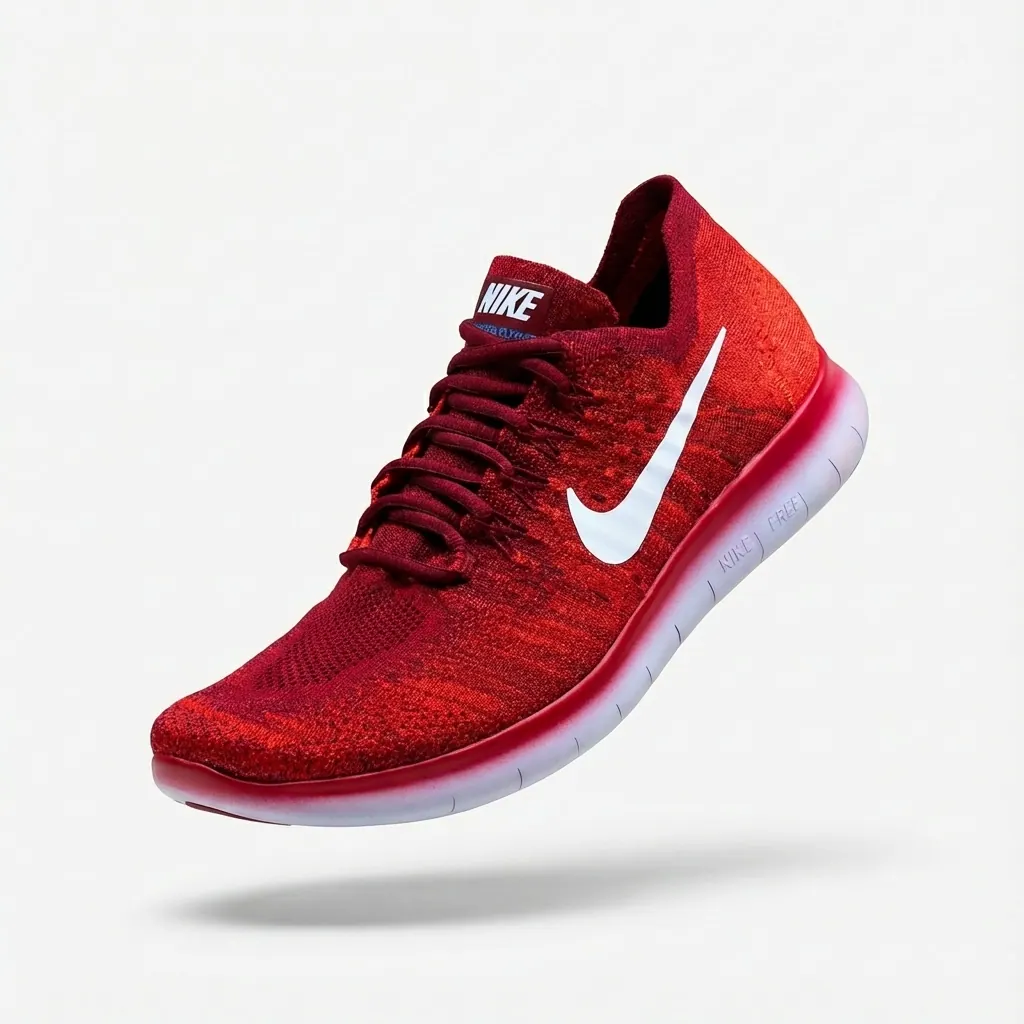
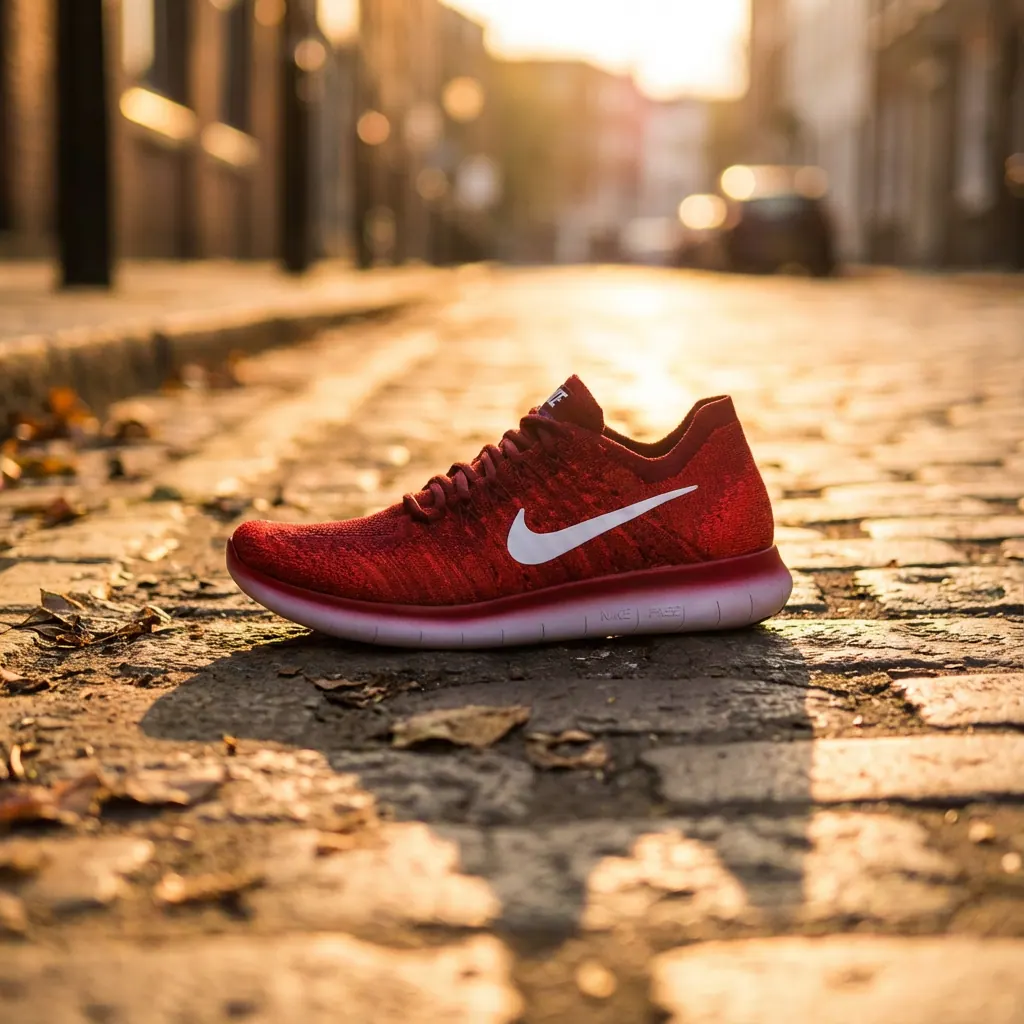
Lighting is the single most important factor in product photography. The right lighting reveals details, creates dimension, communicates quality, and makes products irresistible. Poor lighting creates unflattering shadows, hides details, and makes even premium products look cheap. This guide covers everything from basic setups to advanced techniques.
Step-by-step guide
Understand Light Quality
Light quality refers to how "hard" or "soft" the light is. Hard light creates sharp, defined shadows (like direct sunlight). Soft light creates gentle, gradual shadows (like an overcast day). Most product photography uses soft light because it's flattering, reduces harsh shadows, and shows details clearly.
The larger your light source relative to your subject, the softer the light will be.
Natural Light Setup
Natural light from a large window is excellent for product photography. Position your product near the window (not in direct sunlight). Use white foam boards as reflectors to fill shadows on the opposite side. Sheer curtains can diffuse harsh light. Shoot on overcast days for the softest, most even light.
North-facing windows provide consistent light throughout the day without direct sun.
Basic Artificial Light Setup
A simple two-light setup works for most products. Place your main (key) light at a 45-degree angle to your product. Add a fill light or reflector on the opposite side to soften shadows. For white backgrounds, add a third light behind the product aimed at the backdrop.
Softboxes, umbrellas, and diffusion panels all help create soft, flattering light.
Lighting for Different Surfaces
Matte surfaces: Standard soft lighting works well. Shiny/reflective surfaces: Use larger diffused light sources and consider light tents. Transparent products: Backlight or light from the sides to show form. Dark products: Use rim lighting to define edges against the background.
Polarizing filters can reduce unwanted reflections on shiny surfaces.
Three-Point Lighting
Professional three-point lighting includes: Key light (main light, brightest), Fill light (softens shadows from key light, dimmer), and Back/rim light (separates product from background, creates depth). Adjust the ratio between key and fill to control shadow intensity.
Start with a 2:1 ratio between key and fill light, then adjust to taste.
Common Lighting Patterns
Flat lighting: Even light from front, minimal shadows, good for catalogs. Rembrandt lighting: Triangle of light on shadow side, more dramatic. Split lighting: Light from one side only, very dramatic. High key: Very bright, minimal shadows. Low key: Dark, dramatic, heavy shadows.
High key lighting (bright with minimal shadows) is most common for e-commerce.
Common mistakes to avoid
Using direct flash or hard light
Always diffuse your light source. Direct flash creates harsh shadows and hot spots.
Not using fill light or reflectors
Without fill, shadows become too dark. Always bounce light back to fill shadow areas.
Mixed color temperature light sources
Ensure all light sources have the same color temperature, or use gels to match them.
Light too close causing hot spots
Move lights further back and increase power, or use larger diffusion panels.
Ignoring background lighting
For white backgrounds, light the backdrop separately to achieve pure white.
Pro tips
Invest in a color temperature meter or use a gray card to ensure accurate white balance.
Shoot tethered to a computer to see lighting results on a larger screen immediately.
Keep a lighting diagram of your setups so you can recreate them consistently.
Consider continuous LED lights for beginners — what you see is what you get (unlike flash).
For small products, a simple light tent with external lights can produce excellent results.
Frequently asked questions
What's better: natural light or artificial light?
Both can produce excellent results. Natural light is free and beautiful but inconsistent. Artificial light is controllable and repeatable. Many pros use both.
Do I need expensive lighting equipment?
No. Great product photos can be taken with a window and white foam board reflectors. Upgrade equipment as your needs grow.
How do I eliminate reflections on shiny products?
Use large, diffused light sources. Consider a light tent. Polarizing filters can help. Some reflection is often desirable to show surface quality.
What color temperature should I use?
5500-6500K (daylight) is standard for product photography. This produces neutral, accurate colors.
Related guides
How to Create White Background Product Photos
The complete guide to creating clean, professional white background product photos that meet marketplace requirements and drive sales.
How to Create Lifestyle Product Photography
The complete guide to lifestyle product photography — from traditional styling to AI-generated scenes that help customers visualize your products in their lives.
How to Create Amazon Product Images That Convert
Everything you need to know about creating Amazon product images that meet requirements, rank in search, and convert browsers into buyers.
Ready to put this into practice?
Use StudioMode to create professional product photos with the techniques you just learned — powered by AI.