Amazon Product Images That Drive Sales
Everything you need to know about creating Amazon product images that meet requirements, rank in search, and convert browsers into buyers.

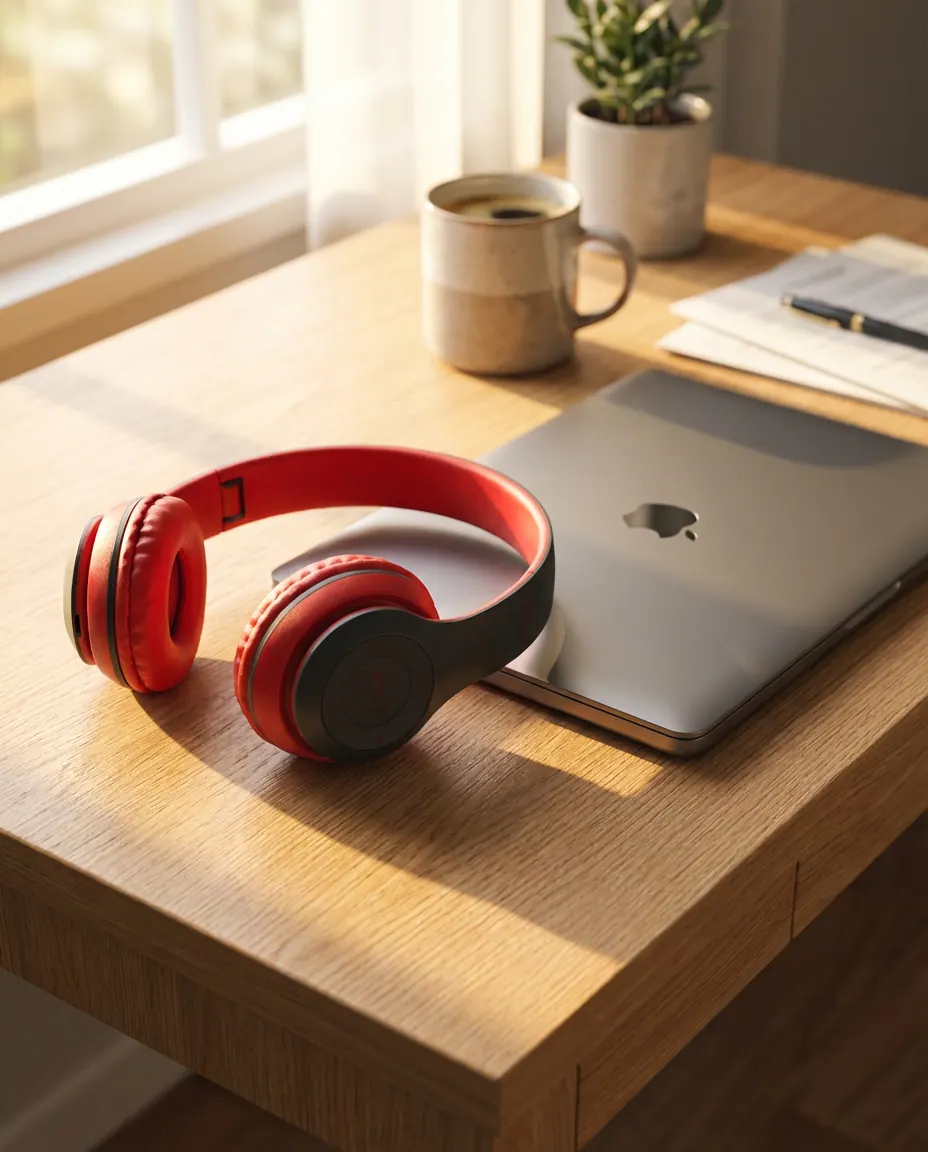
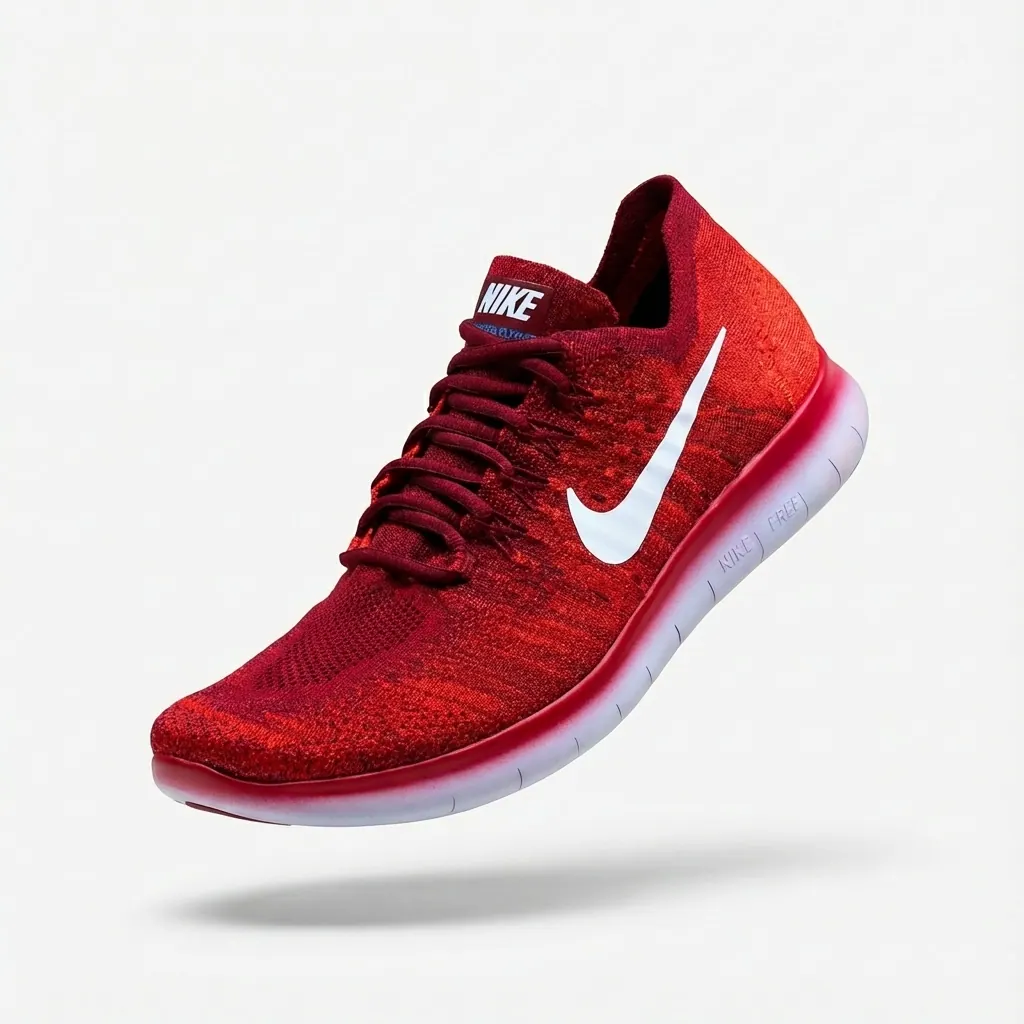
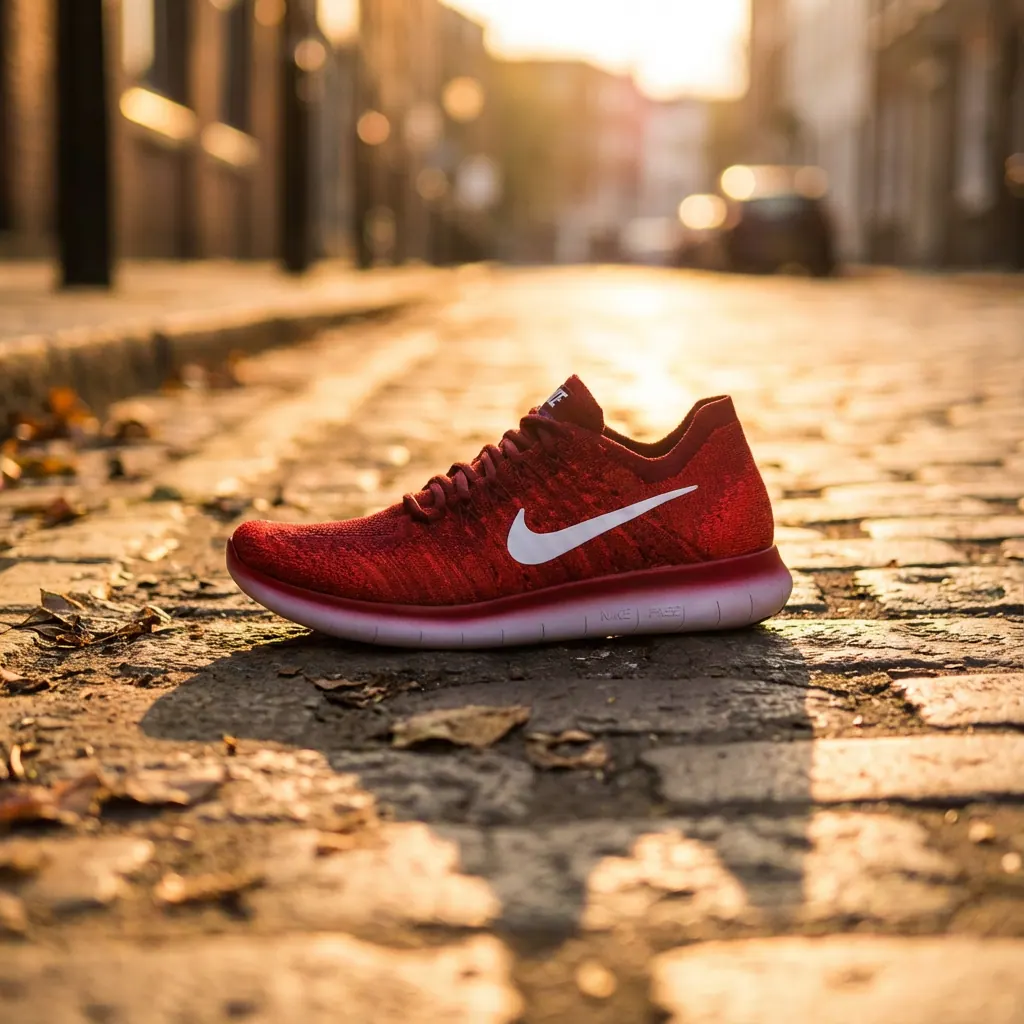
Amazon product images are your most important selling tool on the platform. With no physical interaction possible, your images must communicate everything: what the product is, its quality, size, features, and value. Listings with high-quality images see up to 2x higher conversion rates. This guide covers everything from basic requirements to advanced optimization strategies.
Step-by-step guide
Understand Amazon's Image Requirements
Amazon has strict requirements for main images: pure white background (RGB 255,255,255), product fills 85% of frame, minimum 1000px on longest side (1600px+ recommended for zoom), no text/logos/watermarks, no props or accessories not included in sale. Secondary images have more flexibility.
Use Amazon's image checker tool to verify compliance before uploading.
Main Image: The Click-Driver
Your main image appears in search results and drives clicks. It must be clean, clear, and immediately communicate what you're selling. Product should be large in frame, well-lit, and show the most important angle. This is typically a front or 3/4 view that shows the product's key features.
Test different main images using Amazon's experiments feature to find the highest-CTR option.
Secondary Images: Tell the Full Story
Use all 6-8 available image slots to tell your product's complete story. Include: alternative angles, detail/close-up shots, size reference images, lifestyle/in-use photos, feature callout infographics, and what's included in the box. Each image should provide new, valuable information.
The most-viewed secondary images are typically lifestyle shots and size comparisons.
Infographic Images: Communicate Features
Create images with text callouts highlighting key features, benefits, and differentiators. These are especially important for products with features that aren't visually obvious. Use clear, readable text (but keep it under 20% of image area) and arrows/icons to direct attention.
Focus on benefits, not just features. "Keeps drinks cold for 24 hours" beats "Double-wall insulation."
Size & Scale Images
Help customers understand product dimensions. Show the product next to common objects (coins, hands, phones) or include dimension callouts. This reduces returns from size misunderstanding and builds buyer confidence.
For furniture or large items, show the product in a room setting to communicate scale.
Lifestyle & Use-Case Images
Show your product being used in real-world contexts. These images help customers visualize ownership and demonstrate value. A kitchen gadget should be shown in a kitchen. Outdoor gear should be shown outdoors. These images often drive purchase decisions.
AI tools can generate lifestyle images from your existing product photos — no photoshoot required.
A+ Content: Premium Presentation
If you have Brand Registry, use A+ Content to create enhanced product descriptions with additional images, comparison charts, and brand storytelling. A+ Content can increase conversion by 3-10%. Use comparison modules to show product variants or differentiate from competitors.
A+ Content modules are mobile-first — preview on mobile devices before publishing.
Common mistakes to avoid
Main image doesn't meet white background requirement
Use AI tools or professional editing to achieve exact RGB 255,255,255 white backgrounds.
Using only 1-2 images
Listings with 7+ images convert significantly better. Use all available slots.
Images are too small to zoom
Upload at least 1600px on the longest side to enable Amazon's zoom feature.
No size reference provided
Include at least one image showing scale — especially important for products where size isn't obvious.
Text-heavy infographics that's hard to read
Keep text minimal and ensure it's readable on mobile screens.
Pro tips
Study your top competitors' images for inspiration, then differentiate.
Use Amazon's "Manage Your Experiments" to A/B test images and find winners.
Update images seasonally — holiday lifestyle images in Q4 can boost conversions.
Ensure images look good as small thumbnails — that's how they appear in search.
Consider video content — listings with video see higher engagement and conversion.
Frequently asked questions
How many images should I upload to Amazon?
Use all available slots (typically 7-9). Each image should add value and new information. More high-quality images = higher conversion rates.
Can I use AI-generated images on Amazon?
Yes. Amazon allows AI-generated or edited images as long as they accurately represent the product and meet technical requirements.
What resolution should Amazon images be?
Minimum 1000px, but we recommend 2000px on the longest side for optimal zoom functionality and future-proofing.
Do infographic images with text really work?
Yes, when done well. They communicate features that photos alone can't show. Keep text concise, readable, and benefit-focused.
Related guides
How to Create White Background Product Photos
The complete guide to creating clean, professional white background product photos that meet marketplace requirements and drive sales.
How to Create Lifestyle Product Photography
The complete guide to lifestyle product photography — from traditional styling to AI-generated scenes that help customers visualize your products in their lives.
Product Photography Lighting: The Complete Guide
Lighting makes or breaks product photography. Learn professional lighting techniques that make your products look their best.
Ready to put this into practice?
Use StudioMode to create professional product photos with the techniques you just learned — powered by AI.