Social Media Product Photography That Converts
Create product images that stop the scroll and drive sales across Instagram, TikTok, Pinterest, and beyond.


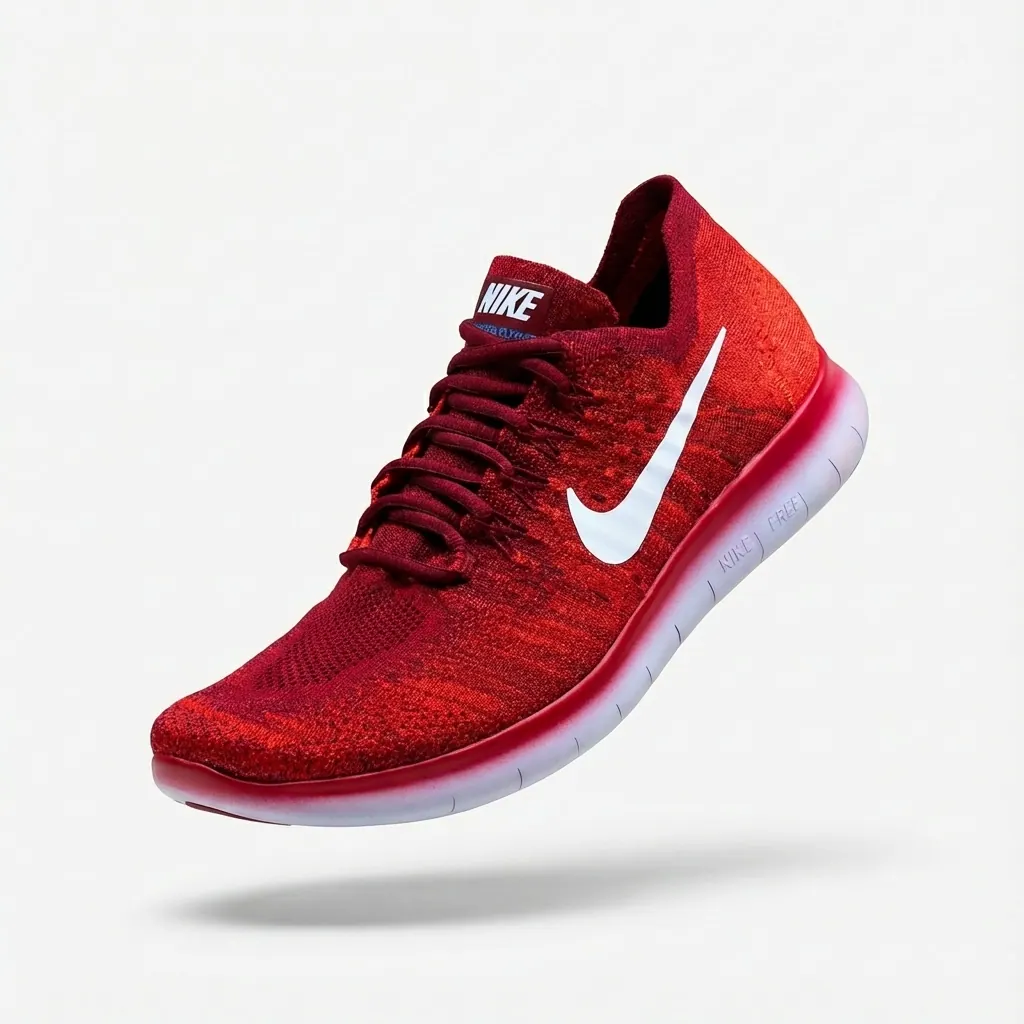
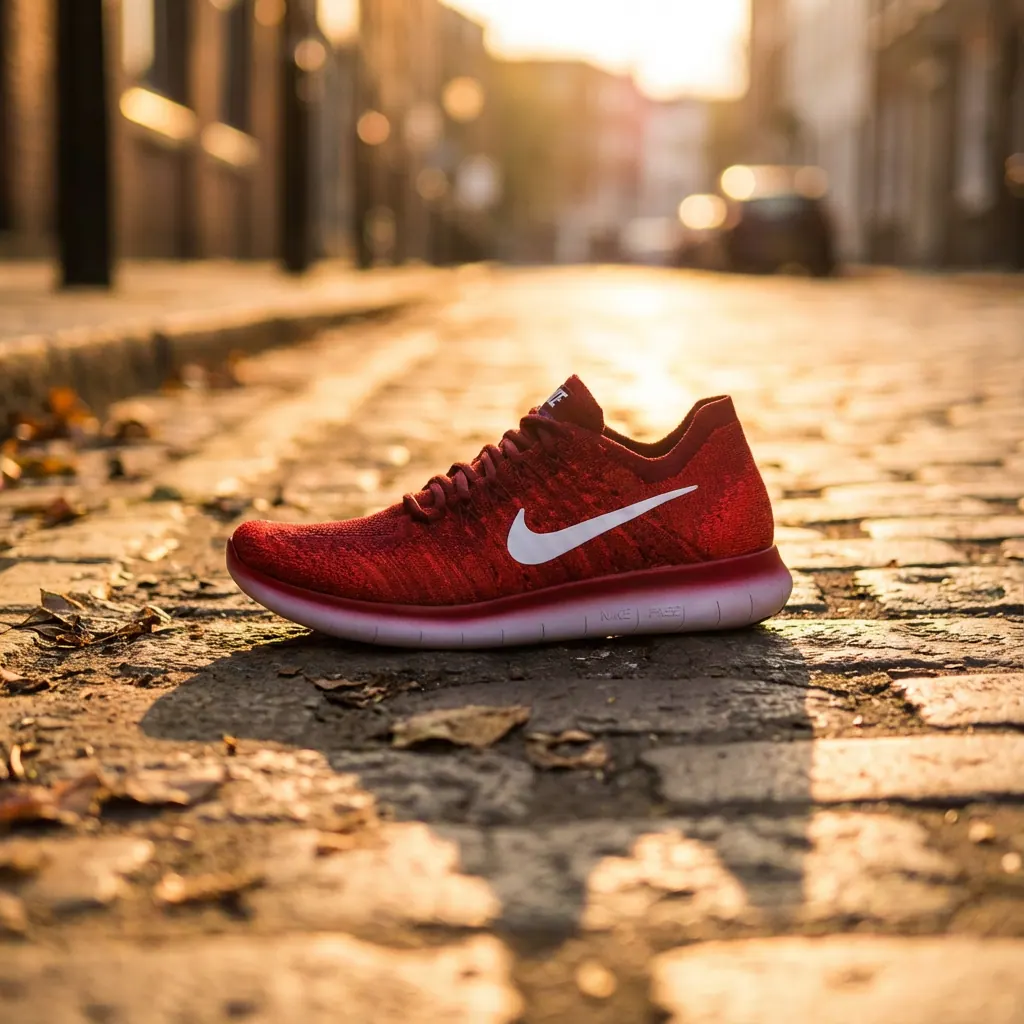
Social media product photography is fundamentally different from traditional e-commerce imagery. Instead of clean white backgrounds optimized for conversion, social media demands eye-catching, thumb-stopping content that earns engagement in crowded feeds. The best social commerce brands treat their feeds as curated galleries that inspire and convert.
Step-by-step guide
Understand Platform Differences
Each platform has different optimal dimensions and aesthetics. Instagram favors polished, aspirational content. TikTok rewards authenticity and trends. Pinterest users are in discovery mode, searching for inspiration. Facebook has diverse content but lifestyle images perform well. Tailor your approach to each.
Create platform-specific content rather than posting the same image everywhere.
Optimize for the Scroll
Users scroll fast. Your images need to stop them instantly. Use high contrast, bold colors, or unexpected compositions. The product should be immediately recognizable even at thumbnail size. Avoid cluttered backgrounds that make products hard to spot.
Test your images at thumbnail size before posting — can you still identify the product?
Master Platform Dimensions
Instagram Feed: 1080x1350px (4:5) for maximum space, or 1080x1080 (1:1). Instagram Stories/Reels: 1080x1920px (9:16). TikTok: 1080x1920px (9:16). Pinterest: 1000x1500px (2:3) tall pins perform best. Facebook: 1200x628px for link posts, 1080x1080 for feed.
Create multiple versions of each image in different aspect ratios for cross-platform posting.
Develop a Consistent Aesthetic
Your social feed should have a recognizable visual identity. This doesn't mean every post looks identical, but there should be cohesion in colors, lighting style, and overall mood. A consistent aesthetic makes your brand instantly recognizable and your feed more appealing.
Create a style guide with your brand colors, preferred backgrounds, and photography style.
Mix Content Types
Successful social accounts vary their content: clean product shots, lifestyle imagery, user-generated content, flat lays, behind-the-scenes, and video. The variety keeps followers engaged while maintaining brand consistency through your visual style.
Follow a content ratio: e.g., 40% lifestyle, 30% product, 20% UGC, 10% behind-the-scenes.
Leverage AI for Scale
Creating unique content for every platform and post is resource-intensive. AI tools can generate multiple versions of product images — different backgrounds, aspect ratios, and styles — from a single source image. This enables consistent, high-volume social content creation.
Use AI to test multiple creative concepts quickly before investing in full production.
Common mistakes to avoid
Using e-commerce white background shots on social
Social feeds need more visual interest. Add backgrounds, context, or styling to engage viewers.
Ignoring platform-specific dimensions
Cropped or distorted images look unprofessional. Create native sizes for each platform.
Inconsistent visual style across posts
Develop and follow a visual style guide. Consistency builds brand recognition.
Overly promotional content only
Mix promotional posts with lifestyle, educational, and entertaining content.
Low resolution images that pixelate
Always upload high-resolution images. Platform compression will handle file size.
Pro tips
Study accounts you admire and analyze what makes their product imagery effective.
Save inspiration to platform-specific mood boards for reference.
Create content batches — shoot or generate multiple images at once for efficiency.
Use Instagram's carousel feature for multiple angles or storytelling.
Repurpose content across platforms but adapt it to each platform's format and culture.
Frequently asked questions
What image size works best for Instagram?
1080x1350px (4:5 portrait) takes up the most screen space in feeds and typically gets highest engagement.
Should I use filters on product photos?
Light, consistent editing is fine. Avoid heavy filters that misrepresent product colors or quality.
How often should I post product content?
Quality over quantity. 3-5 times per week is common for brands, but consistency matters more than frequency.
Can I repost the same content?
Occasionally, yes — especially evergreen content. But prioritize fresh content and avoid immediate reposts.
Related guides
How to Create Lifestyle Product Photography
The complete guide to lifestyle product photography — from traditional styling to AI-generated scenes that help customers visualize your products in their lives.
Product Photography Lighting: The Complete Guide
Lighting makes or breaks product photography. Learn professional lighting techniques that make your products look their best.
How to Create White Background Product Photos
The complete guide to creating clean, professional white background product photos that meet marketplace requirements and drive sales.
Ready to put this into practice?
Use StudioMode to create professional product photos with the techniques you just learned — powered by AI.